🔊 Decibel meter · recordings · video · night sentinel

Make noise visible

A live sound level meter with level curve and octave spectrum, recordings tagged by time and place, video with the reading burned in, and a sentinel that keeps listening when you don't. Everything stays on this device.

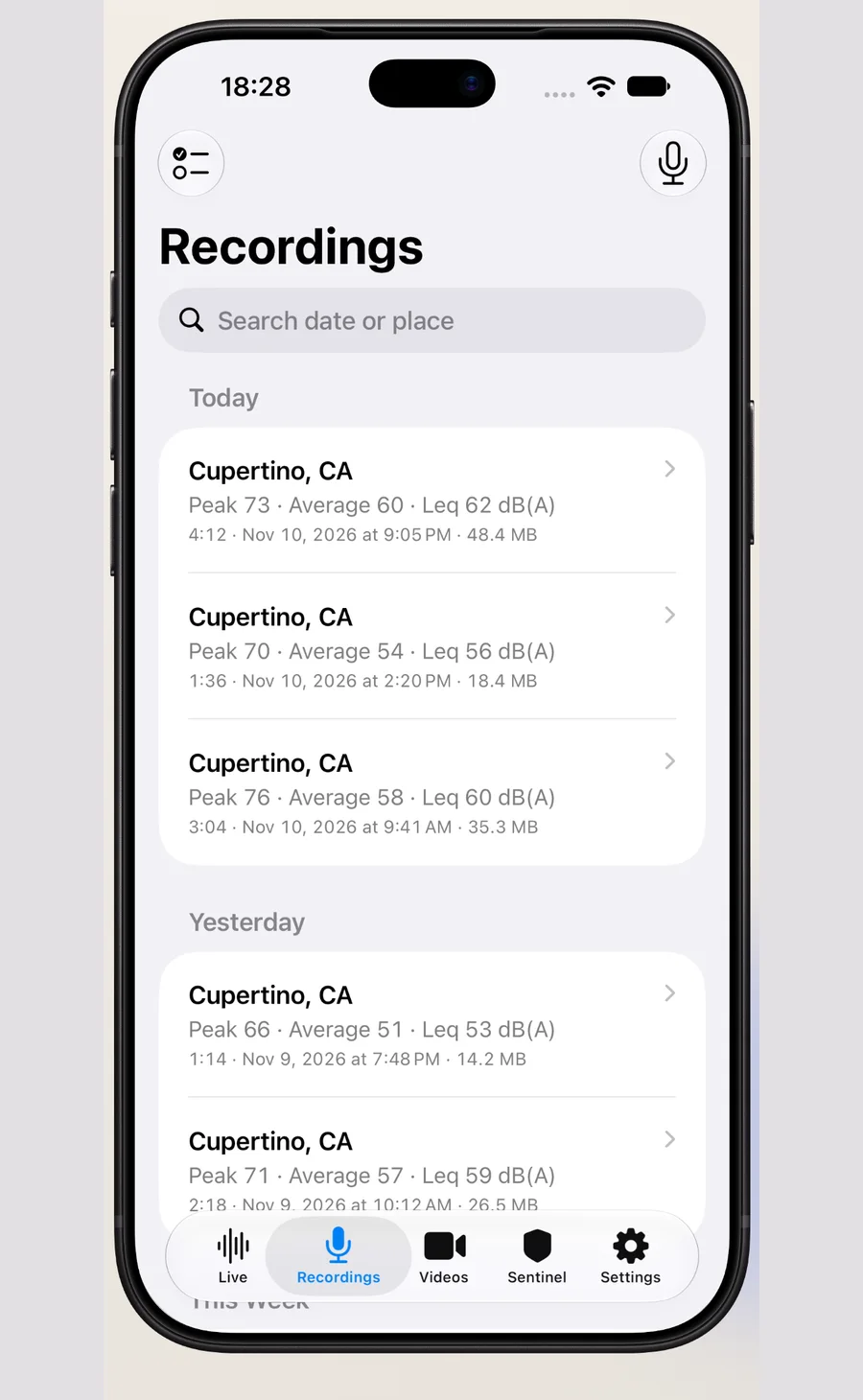
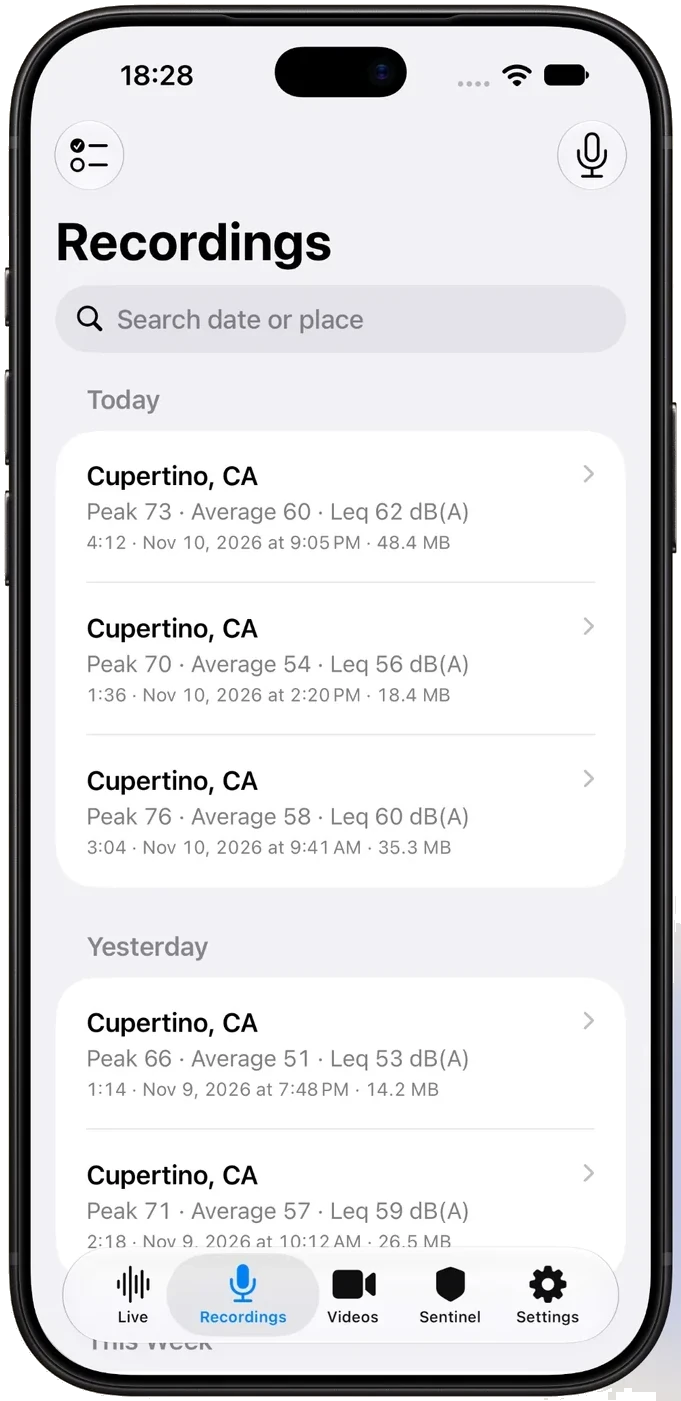
NoiseTrace recordings list
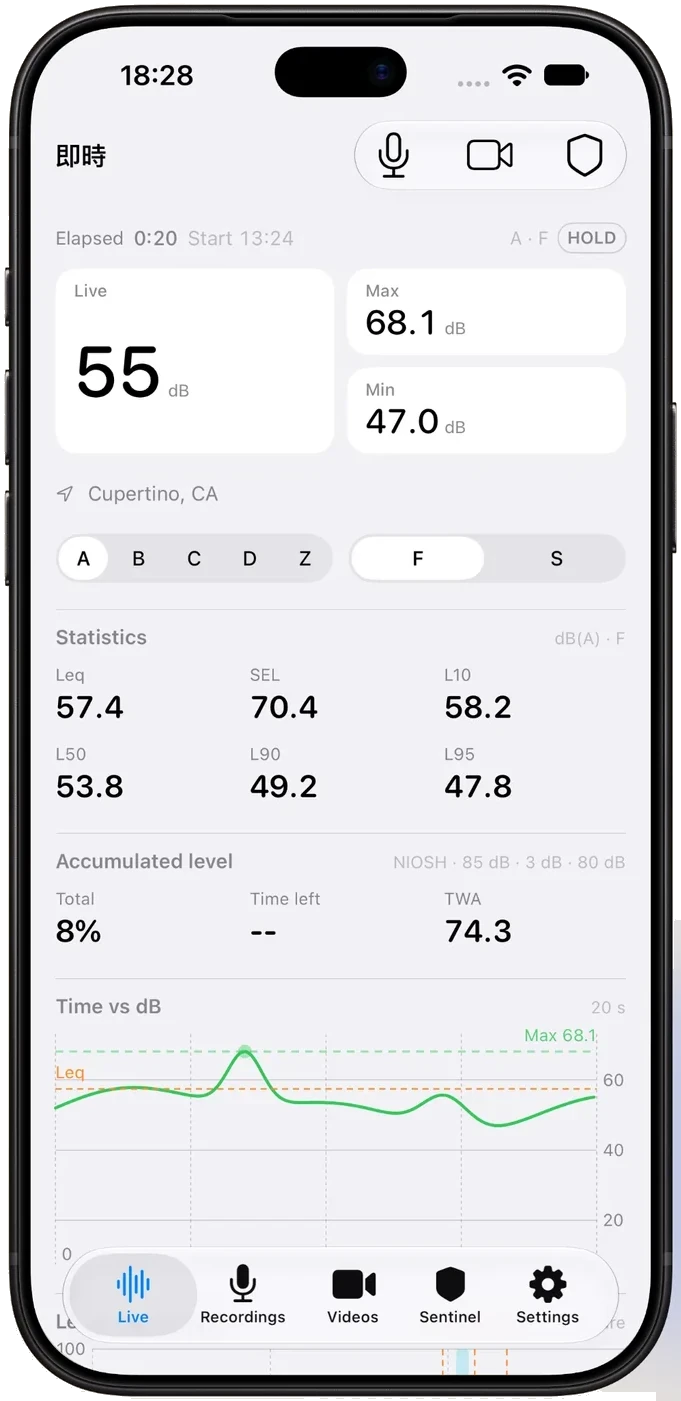
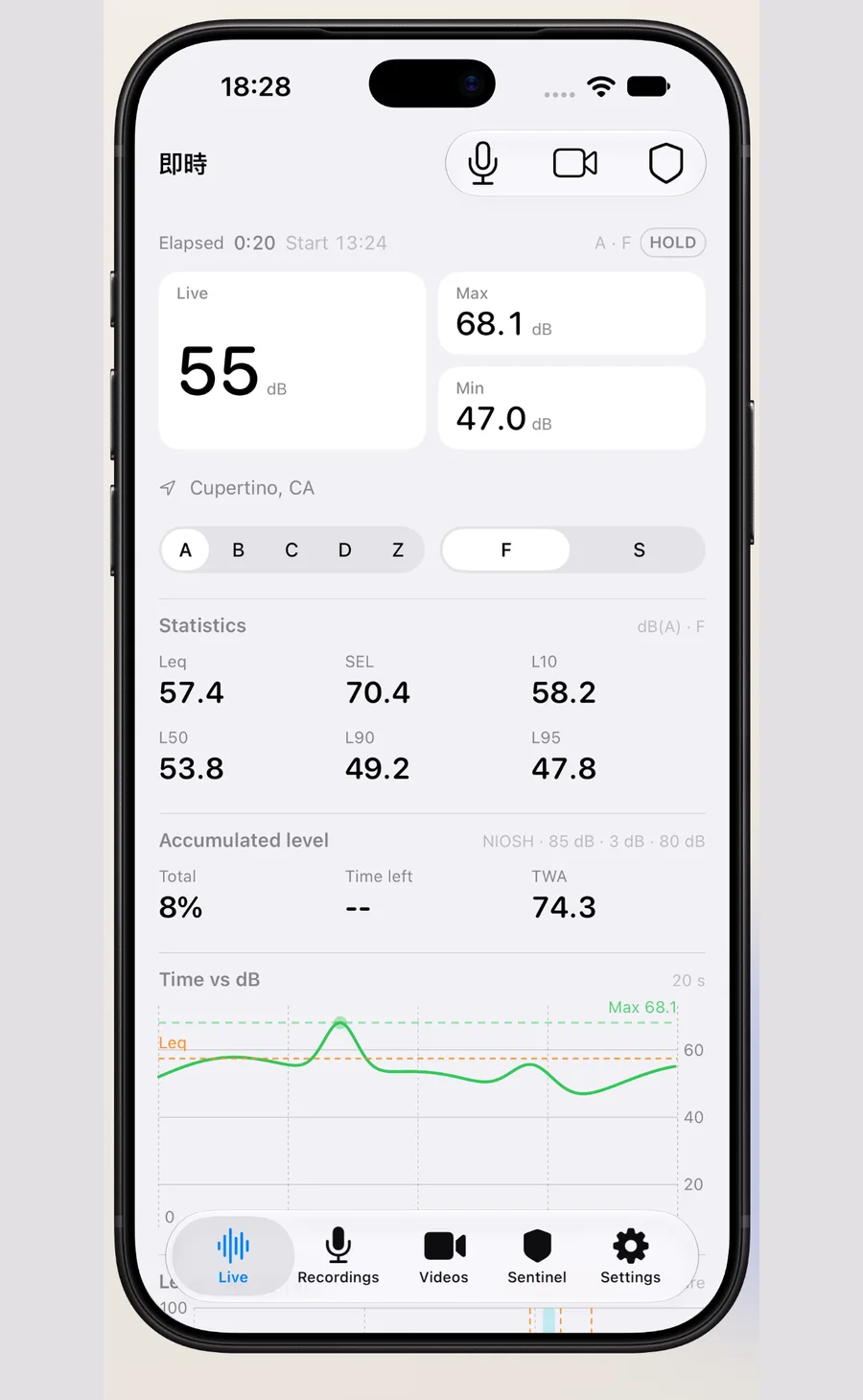
NoiseTrace live sound level meter
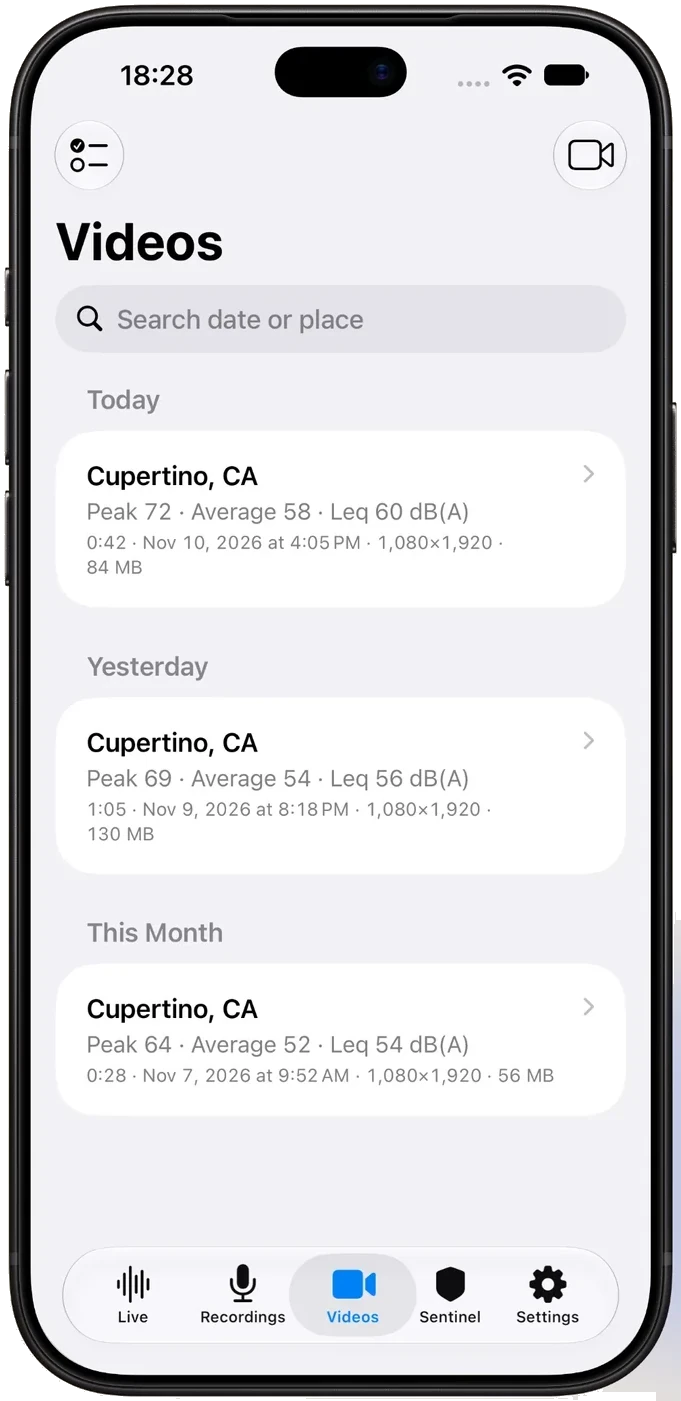
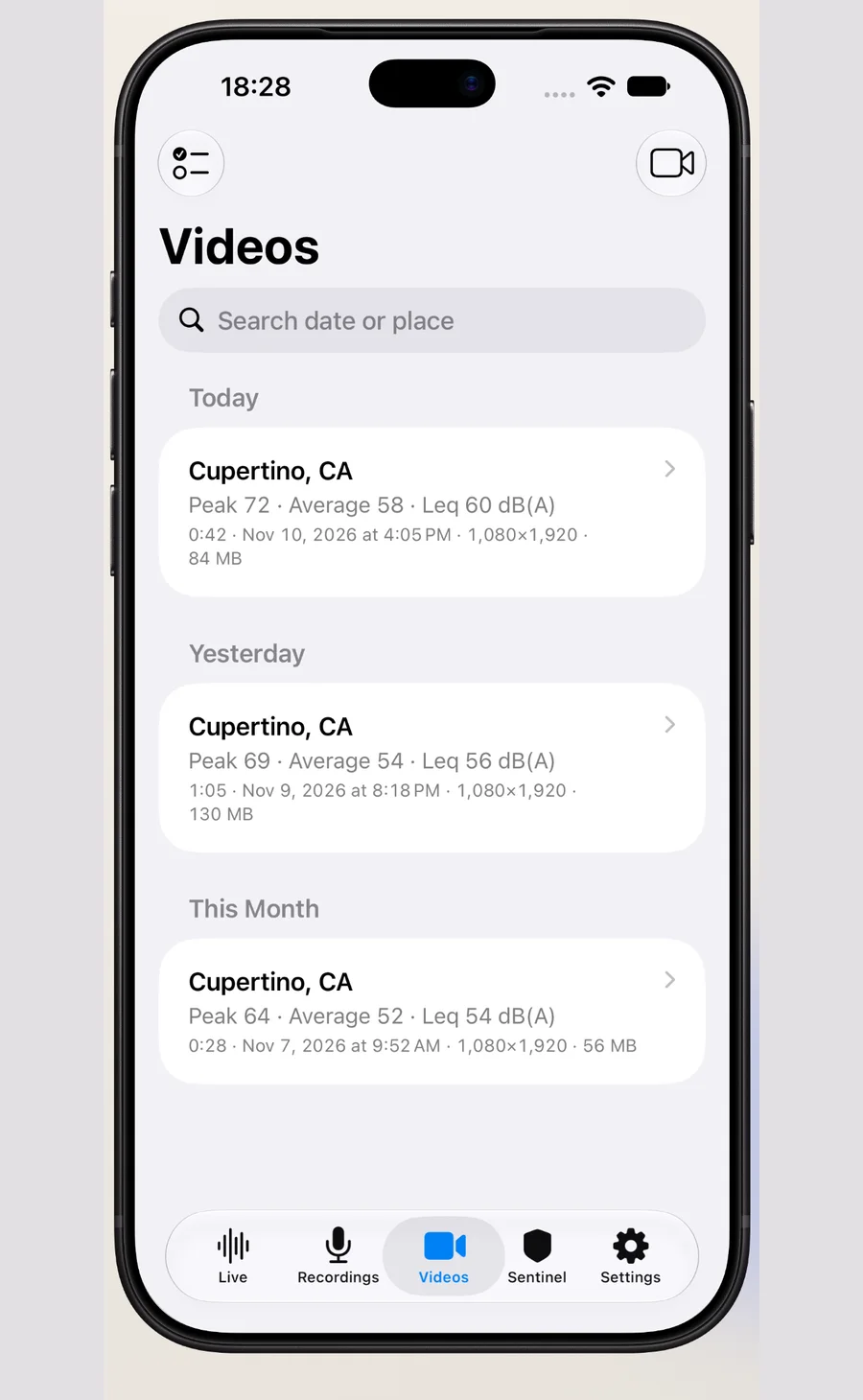
NoiseTrace video with sound level
5frequency weightings
10octave bands
2time weightings
100%stored on device

Measure it, keep it, show it

From a single loud moment to a month of night-time monitoring — NoiseTrace turns sound into a record you can look at and hand over.

📈

Live sound level

A big live reading with max and min, plus Leq, SEL, L10, L50, L90 and L95 statistics and an accumulated-level (NIOSH) readout. Switch between A, B, C, D and Z weightings and Fast / Slow time weighting while you measure.

🎚️

Level curve & spectrum

The level curve moves over a rolling 20-second window, and a ten-band octave spectrum from 31.5 Hz to 16 kHz shows whether the noise is a low rumble or a high whine.

🎙️

Recordings with time and place

Every recording keeps its time, duration, peak and average level, and the place it was made. Audio is stored as uncompressed PCM, so you can replay the original and find the loudest moment on the curve.

🎥

Video with the reading burned in

Record video and the current level is written into each frame together with the time and place — useful when sound alone does not show what caused it.

PREMIUM

Night sentinel

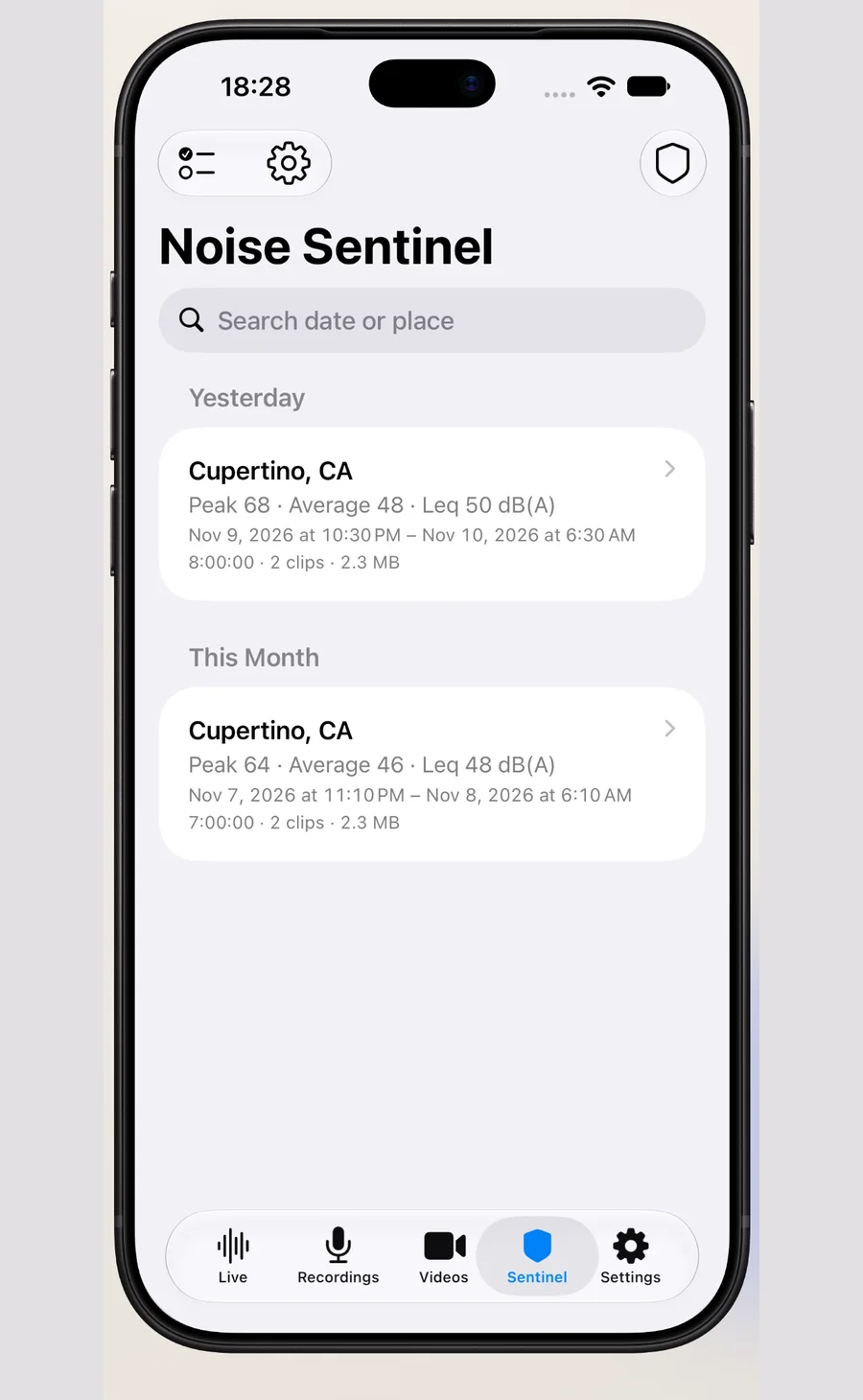
Set a threshold and leave it running. Clips above the limit are kept and a notification is sent, while a Live Activity shows the state on the Lock Screen.

PREMIUM

Level totals & calendar

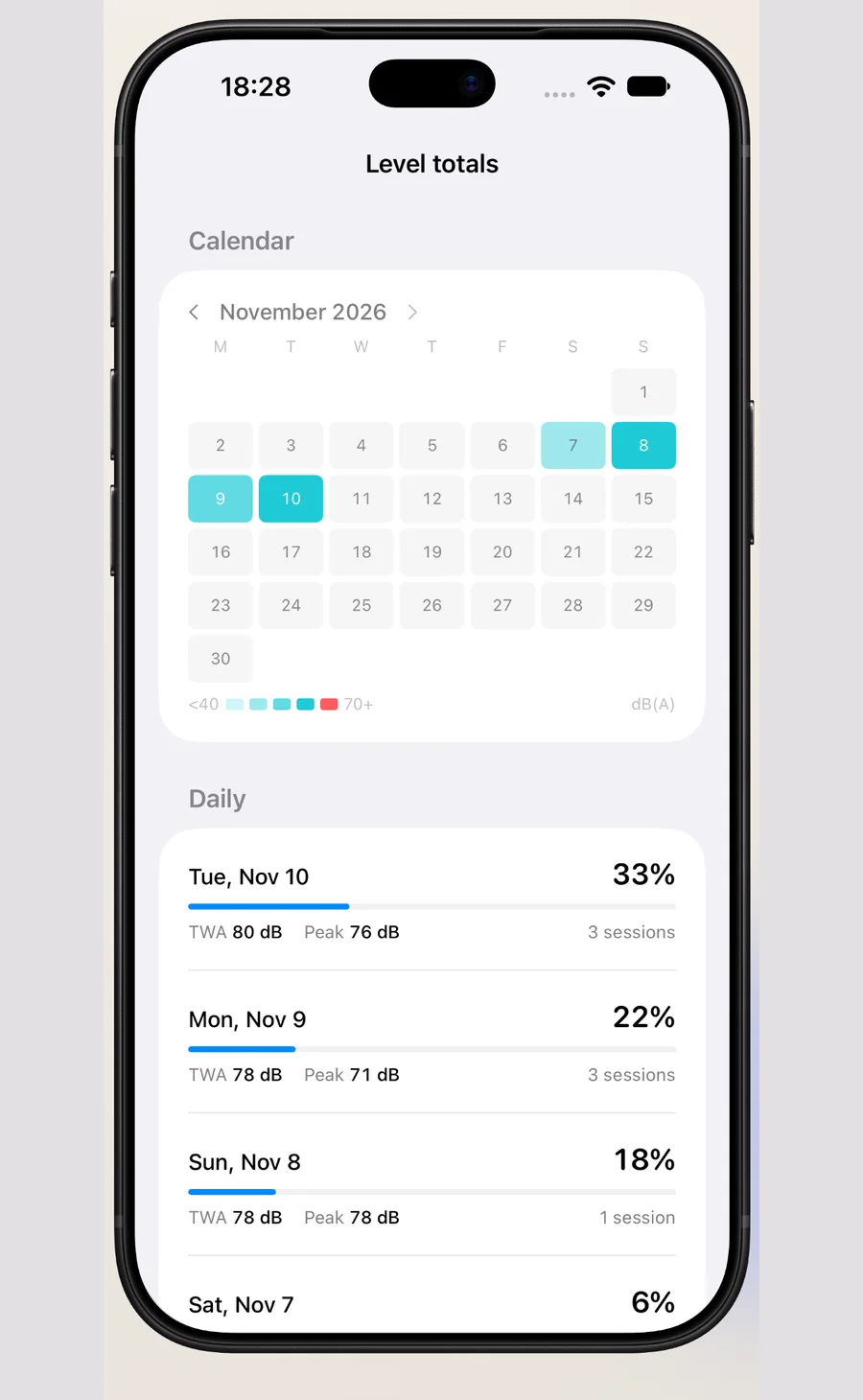
Daily and weekly accumulated level with a month heat map, so a long-running problem becomes a trend instead of an argument.

A look inside

Five tabs, one job: turn what you hear into something you can keep.

Reference limits, built in

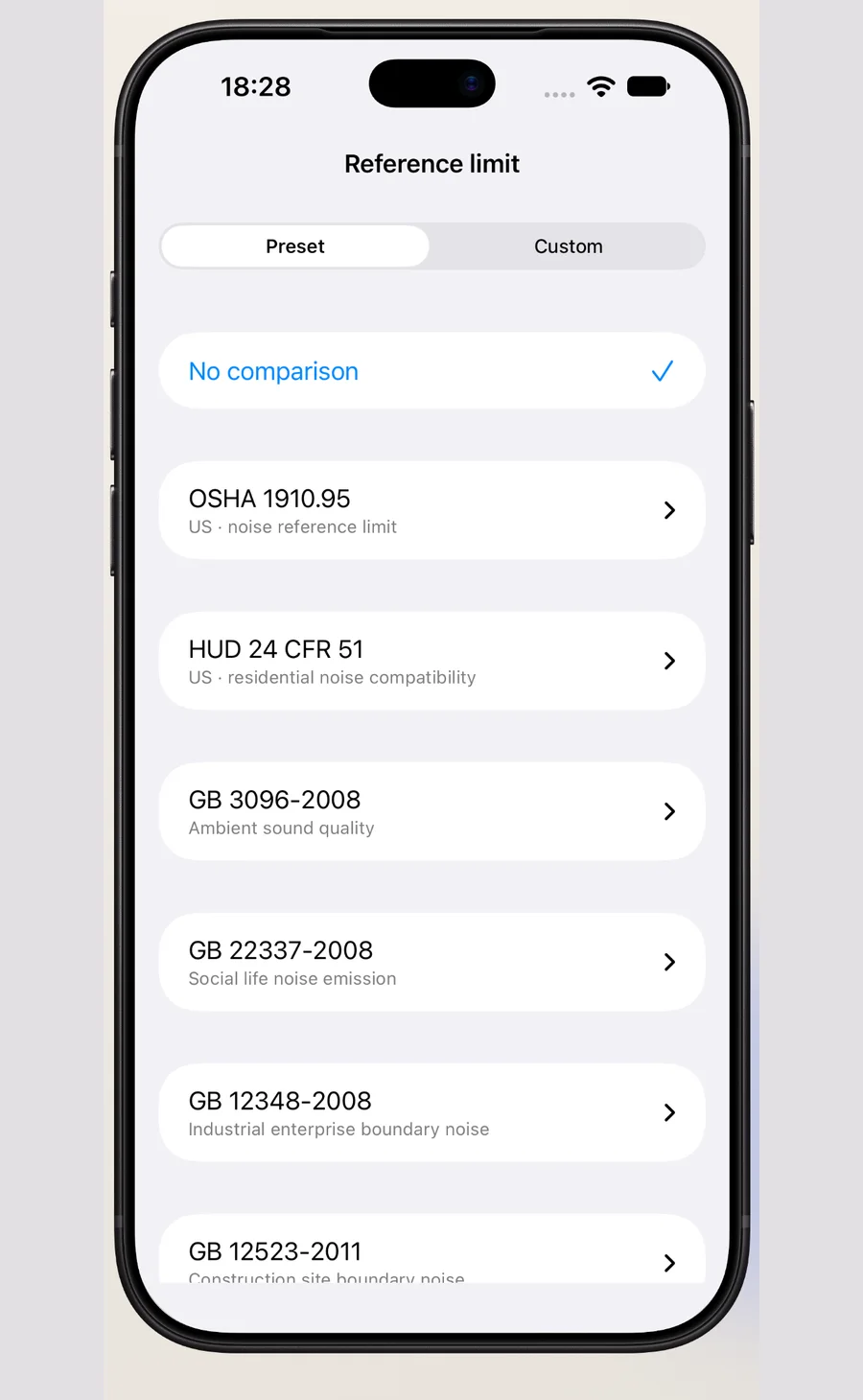
GB 3096, GB 22337, GBZ 2.2 and the WHO 2018 guidance are already in the app, so a reading can be put next to the limit it is compared against. Add your own limits when a contract, a lease or a local rule uses a different number.

  • GB 3096 environmental noise limits
  • GB 22337 social life noise limits
  • GBZ 2.2 workplace exposure limits
  • WHO 2018 environmental noise guidance
  • Custom limits you define yourself
Reference noise limits screen

Three steps to a record

  1. Open the live tab and press record. The level, the curve and the spectrum start at once.
  2. Stop when the noise stops. The recording keeps its time, duration, peak, average and place.
  3. Export a PDF measurement record, or tick several recordings and merge them into one file.

Free, and what Premium adds

Measuring, playback, the level curve and the spectrum are free. Premium is about output and long-running monitoring.

Free

No ads, no account

  • Live level, curve and octave spectrum
  • Five weightings, Fast / Slow
  • Recording and playback
  • Video with the reading burned in
  • Reference limits and one custom limit
  • One recording and one video saved

Premium

Monthly or yearly, cancel anytime

  • Unlimited recordings and videos
  • PDF measurement records, single or merged
  • Night sentinel with notifications
  • Daily and weekly level totals
  • Unlimited custom limits
  • 30-day recycle bin and email support

Your audio stays yours

No sign-up, no login, no upload of recordings.

Recordings, level data and locations are stored on this device and are not uploaded. The only network request turns coordinates into an address using the system geocoding service — only coordinates are sent, never audio. Deleting the app removes everything.

About readings: this app is not a measuring instrument; readings are for reference only. Levels are derived from the device microphone and are not calibrated against a reference sound level meter — they vary by device, so use them for comparison and trends, and calibrate against a reference meter when accuracy matters.

Questions people ask first

How accurate is the reading?

It comes from the device microphone, not a calibrated meter. It is good for comparing situations and following trends; for anything that must stand up as a measurement, calibrate against a reference sound level meter.

Which devices are supported?

iPhone and iPad on iOS 16 or later. Lock Screen and Control Center widgets need iOS 17.

Do I need an account?

No. There is no sign-up and no login, and recordings are not uploaded anywhere.

All questions

Keep a record of the noise

NoiseTrace is on the App Store now. Measure the noise, keep the context — free to download, records stay on your device.

Download NoiseTrace on the App Store

Questions or feedback? Email service@tonesight.com